Accounting & finance
Ledger • invoices • paymentsManage accounting, receivables, payables, payments, and financial reporting.
From sales and finance to inventory and people, every operation connects to the next so you can see what is happening now and move with confidence.
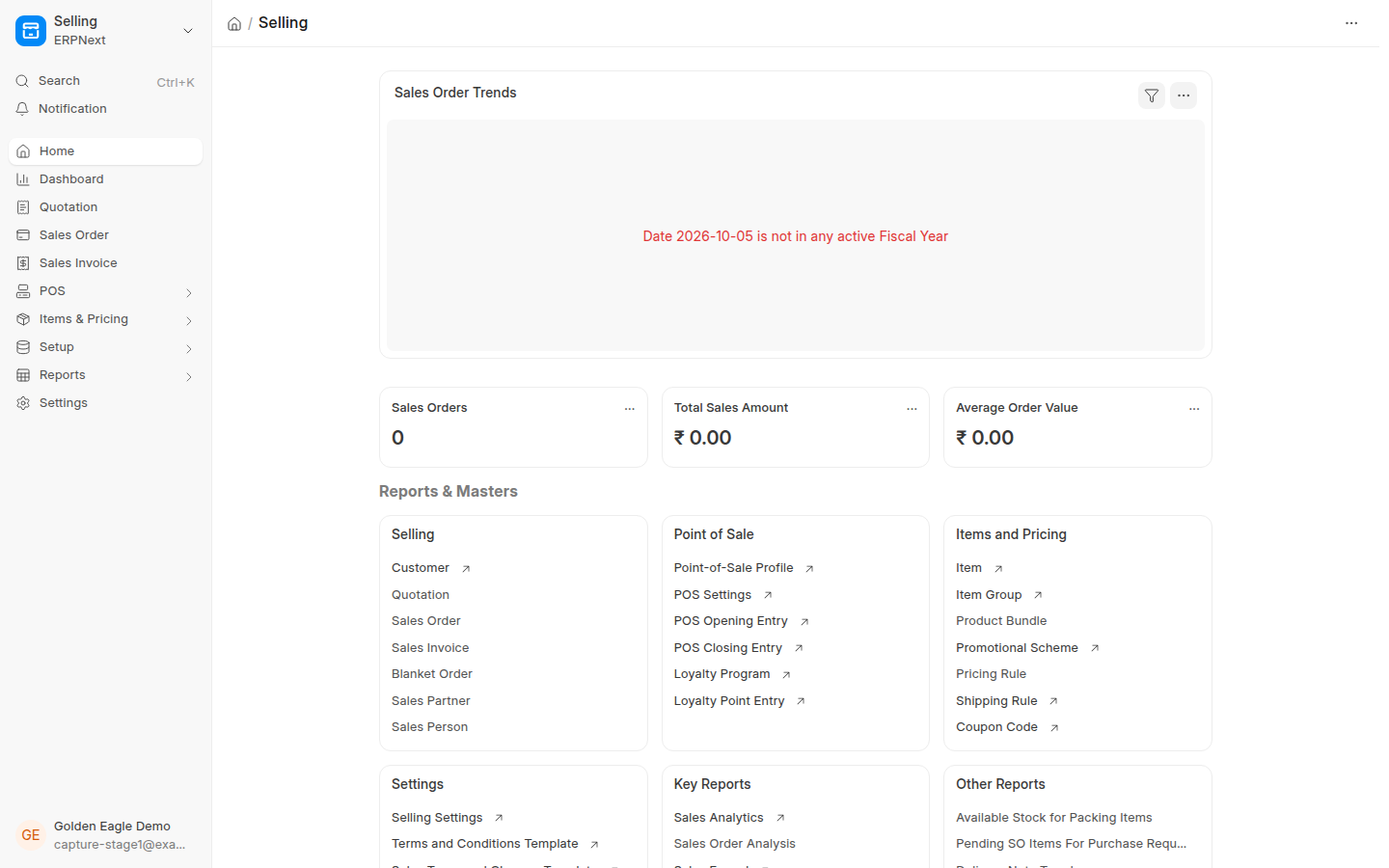
Scroll as finance, sales, and people operations emerge from depth and move into focus inside one platform.
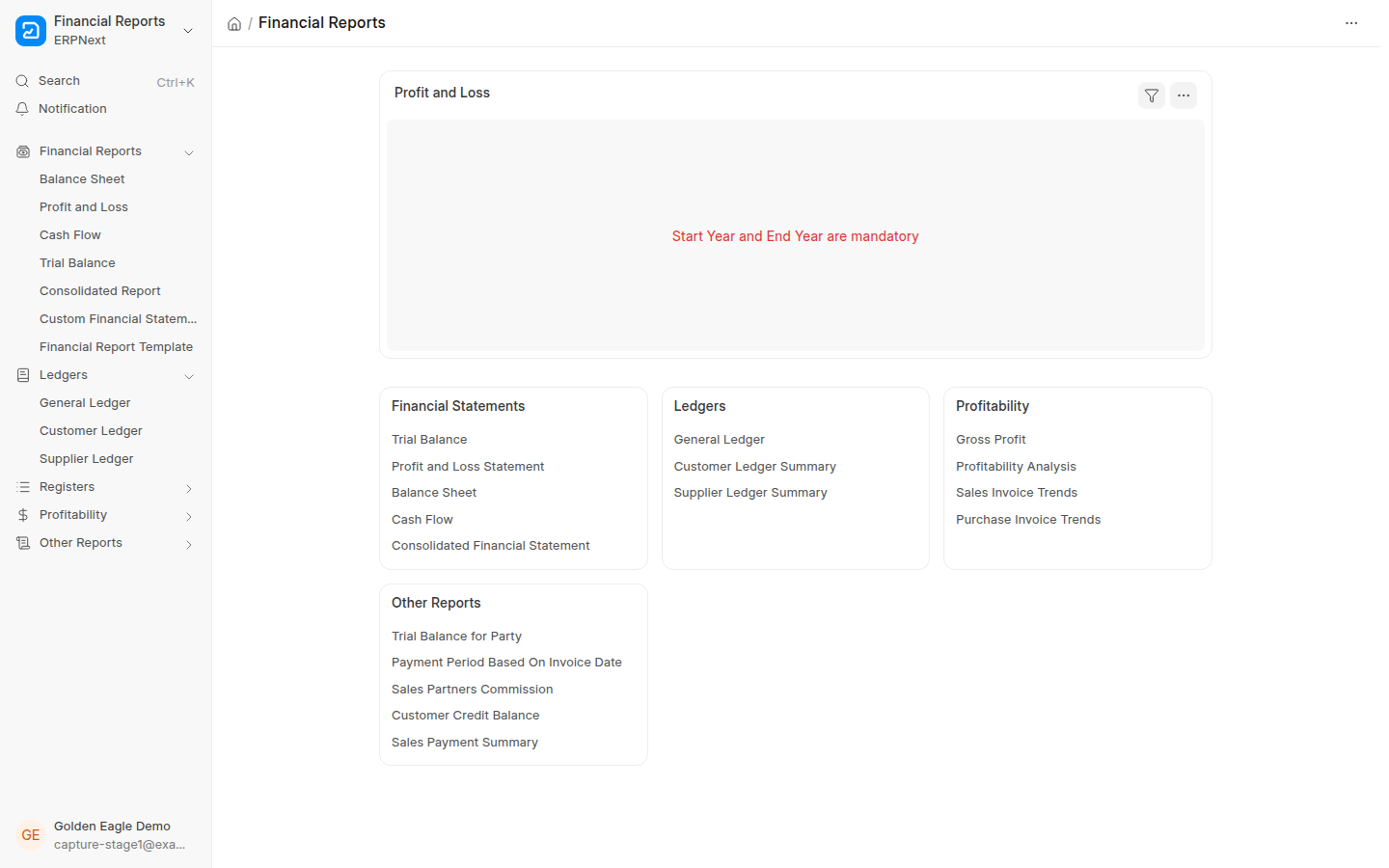
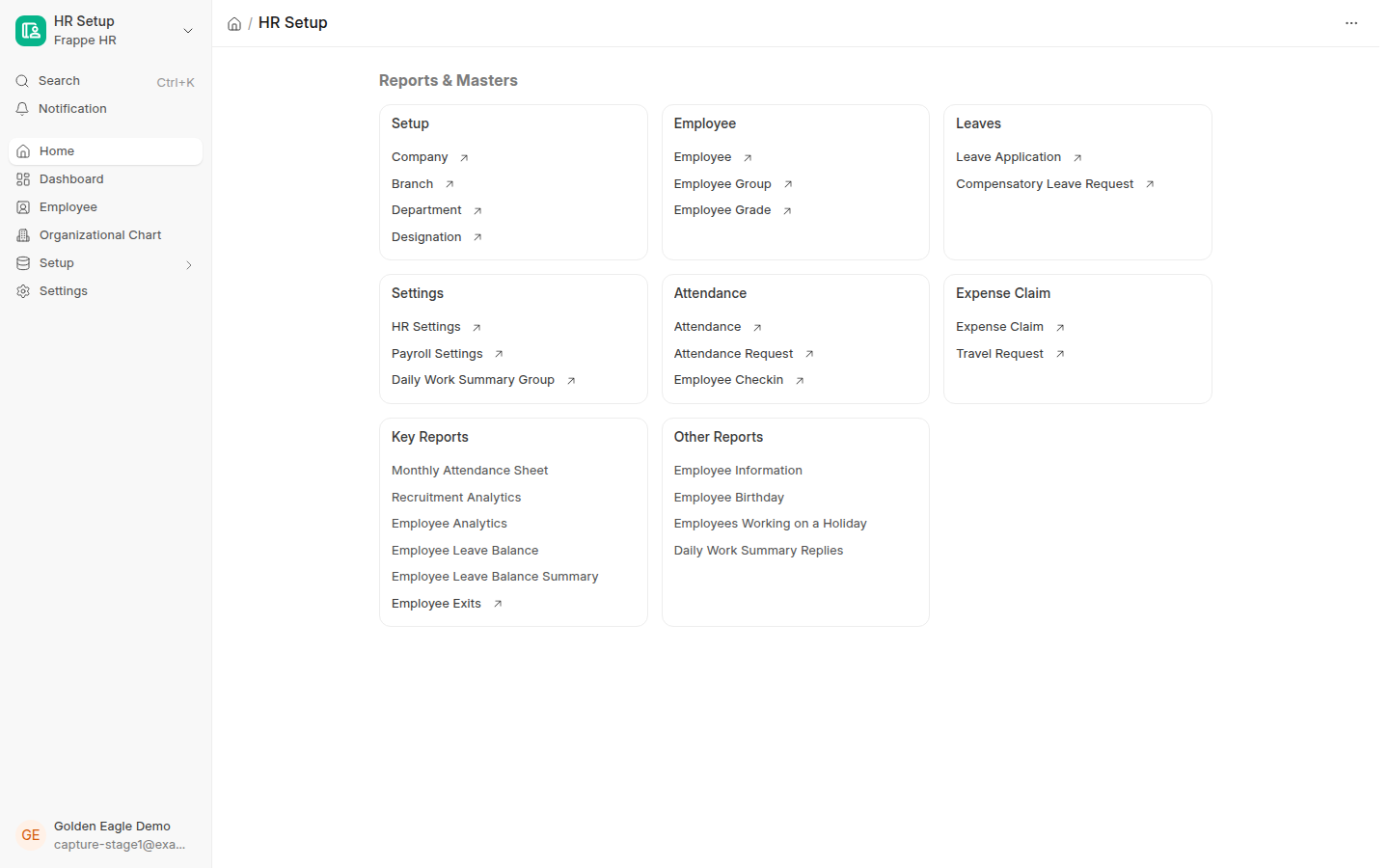
These are systems that are actually available inside Eagles ERP, without adding industries or services that are not part of the product.
Manage accounting, receivables, payables, payments, and financial reporting.
Manage customers, opportunities, communication, and sales stages.
Manage quotations, sales orders, invoices, and collection connected to finance.
Manage suppliers, purchase orders, receipts, and supplier invoices.
Manage items, warehouses, balances, transfers, and inventory movements.
Run POS transactions connected to items, inventory, invoicing, and accounting.
Manage projects, tasks, progress, and costs in one workspace.
Manage bills of materials, work orders, production cycles, and material movement.
Track assets, value, depreciation, and movement throughout their lifecycle.
Organize maintenance schedules, visits, and work related to assets and equipment.
Manage inspections, quality procedures, and recorded results.
Manage subcontracting cycles and related material movement inside the system.
Record and follow support requests and customer communication.
Manage employee records, attendance, leave, and HR operations.
Manage salary structures, payroll runs, benefits, and deductions.
Manage payment and collection flows connected to invoices and accounting.
Each system exchanges documents and activity with the others so data stays connected inside one platform.
The real value is connected operations. Documents, customers, items, financial movement, and people data stay linked inside the same workflow.
Follow day-to-day work from one source of business data rather than disconnected files and tools.
Connect documents, approvals, and movements to reduce repetition and manual mistakes.
When operations are connected, information is closer and everyday decisions become clearer.
Choose the country that fits your business and use the local settings available for that market.
Manage companies and branches in more than one country from the same platform, with independent settings for each company.
The following countries are available when setting up your company on Eagles ERP.
Start from one account that brings systems, services, and support together, then move into operations through clear, organized steps.
Start with your company’s Golden Eagle account.
The system is prepared around your organization and operating country.
Open your system and manage work from one connected platform that can grow with you.
Start with one platform for your core processes and expand as your business needs more.